Compare the four USB crypto tokens sold by Alpingo for supported Digital Signature Certificate (DSC) workflows. Start with the token model your issuing Certifying Authority (CA) accepts. Then check the connector, driver and signing software you’ll need.
Compare models, public prices and driver sources
| Token | Price | Connector and driver checks |
|---|---|---|
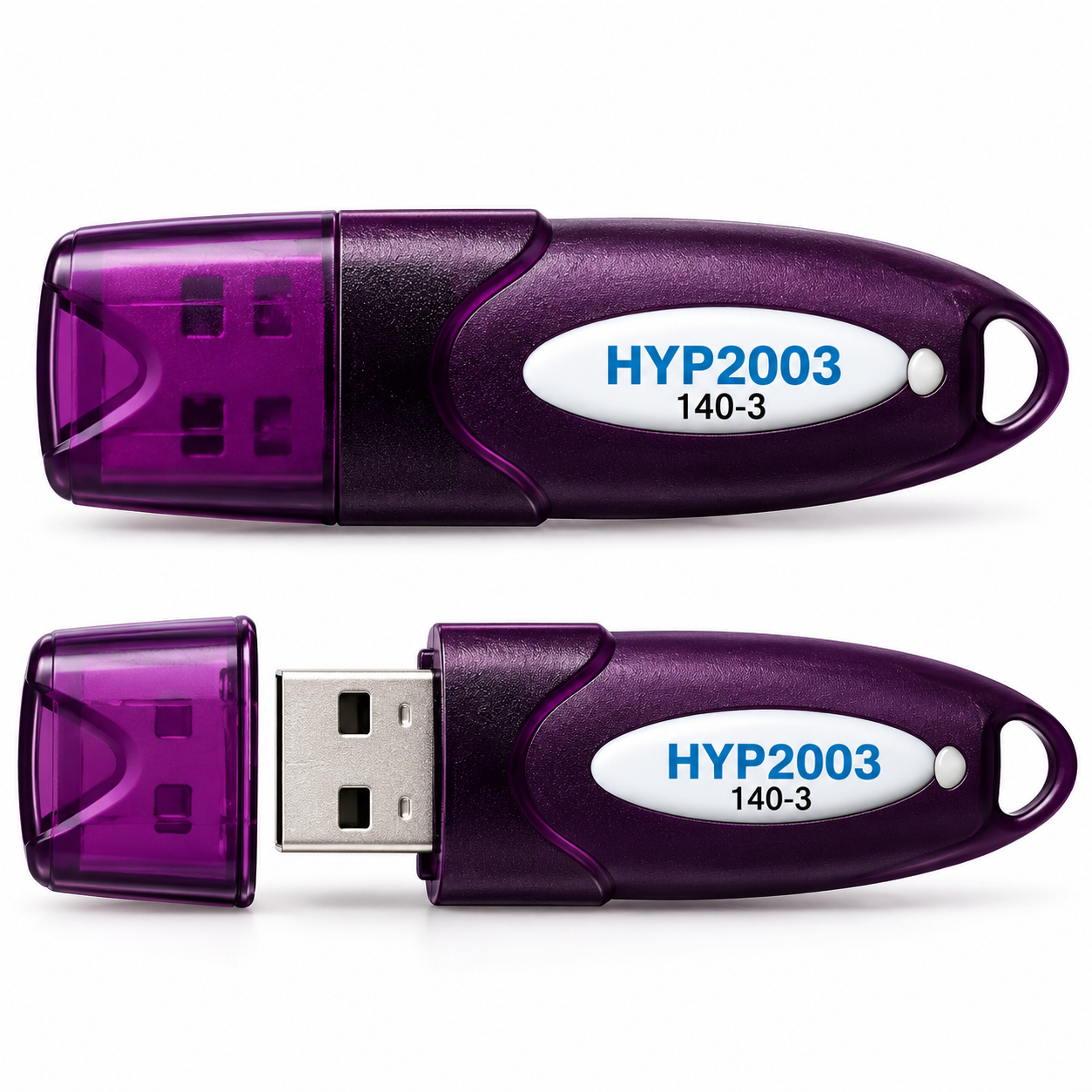 HYP-2003 140-3 | ₹379 | USB-A on the HYP2003 manufacturer specification. Hypersecu downloads. |
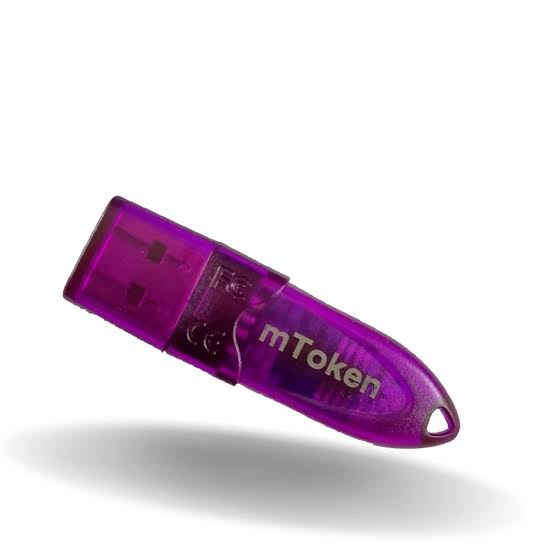 MToken 140-3 | ₹329 | Match the connector and CryptoID series to your unit. nCode mToken drivers. |
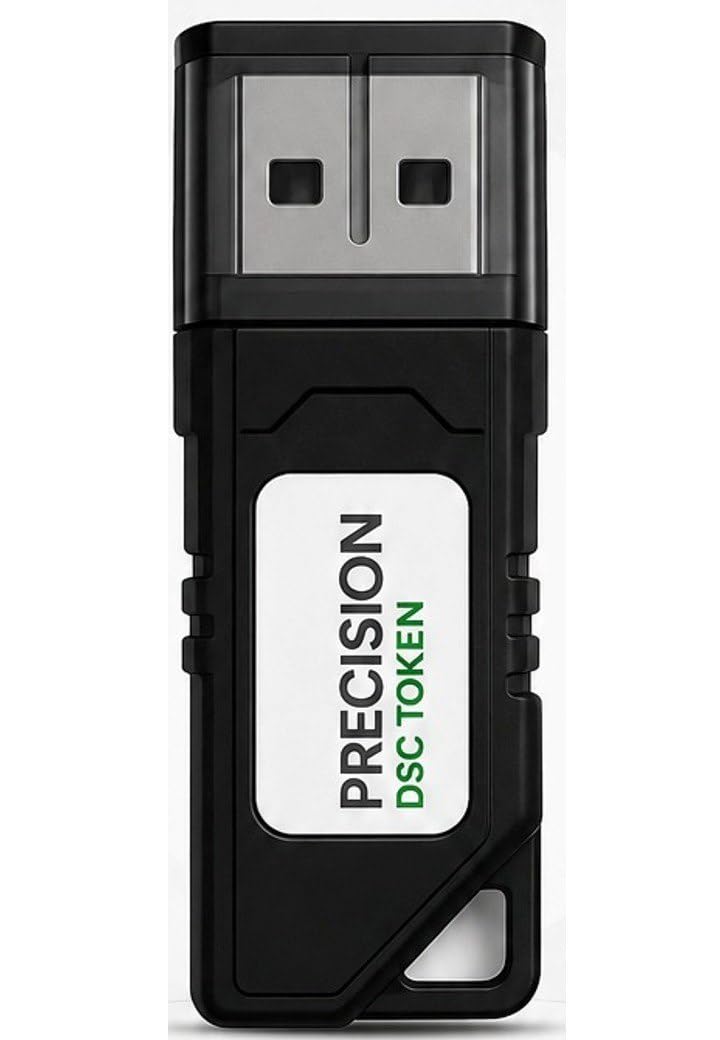 Precision 140-3 | ₹329 | Confirm the connector and exact model before ordering. nCode InnaIT drivers. |
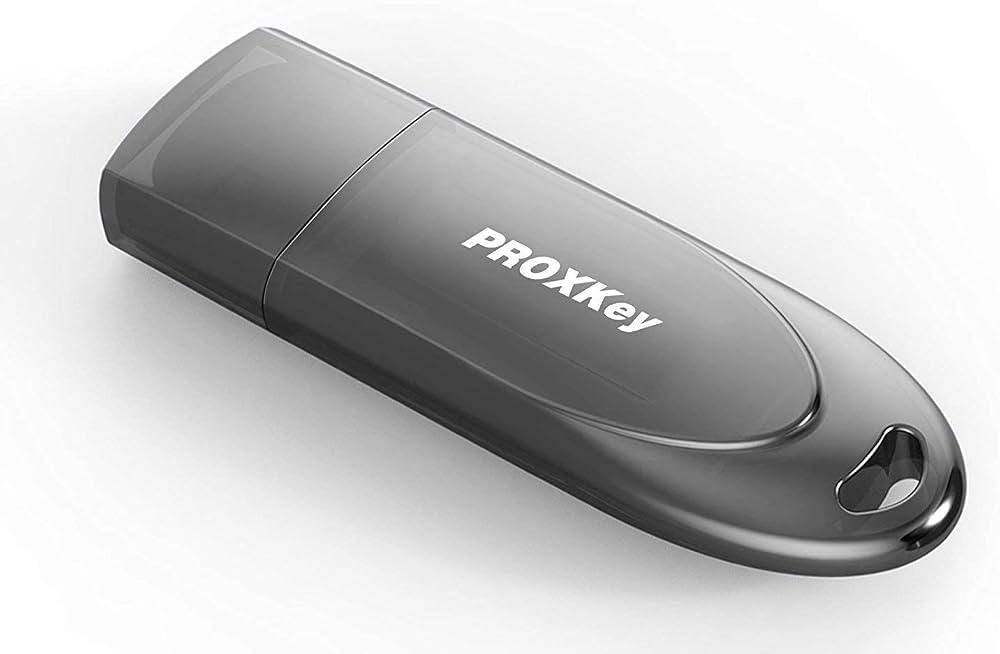 WatchData (WD) ProxKey 140-3 | ₹329 | Confirm the connector and 140-3 series before ordering. nCode ProxKey drivers. |
Match the exact device and operating system to the manufacturer’s or issuing CA’s instructions before installing software. The Hypersecu HYP2003 specification identifies its connector. For the other models, ask Alpingo to confirm the connector on the unit being shipped if your computer only has USB-C. A product family name alone is insufficient to confirm portal or certificate compatibility.
Buying for a team or reseller order? Ask Alpingo for a bulk quote with the model, quantity and delivery PIN code or country. Check the token cost separately from the certificate cost in the Class 3 DSC pricing guide.
Can I reuse my USB token for DSC renewal?
Check with the issuing CA before placing a renewal order without a token. Give the CA the token’s exact model and, through its designated support channel, any device details it requests. Ask whether it accepts the token for your current application and whether there is room for the new certificate. Preserve your existing certificates and keys. If you are replacing a token used for encryption, ask the CA how to handle access to documents encrypted with the older key before changing devices.
Why isn’t my USB token detected?
- Reconnect the token to a known working port. If you use a hub or adapter, check whether the computer recognises the token with a direct connection where possible.
- Open the token manager for your exact model. If it cannot see the device, check the correct driver for your operating system using the manufacturer or issuing CA’s instructions.
- If the token manager sees the token but the portal doesn’t, check whether the portal’s signing utility is installed and running. Follow the portal’s browser and operating system guidance.
- If you still need help, share the model, operating system, portal and exact error with Alpingo support. Remove personal information from screenshots. Keep your PIN, OTP and private key confidential.
Before resetting or formatting a token, contact the issuing CA. A reset can remove certificates and private keys. For more background, see Alpingo’s compatibility checklist or token setup guide.